
How to Protect Data from AI: Safeguarding Confidential Information
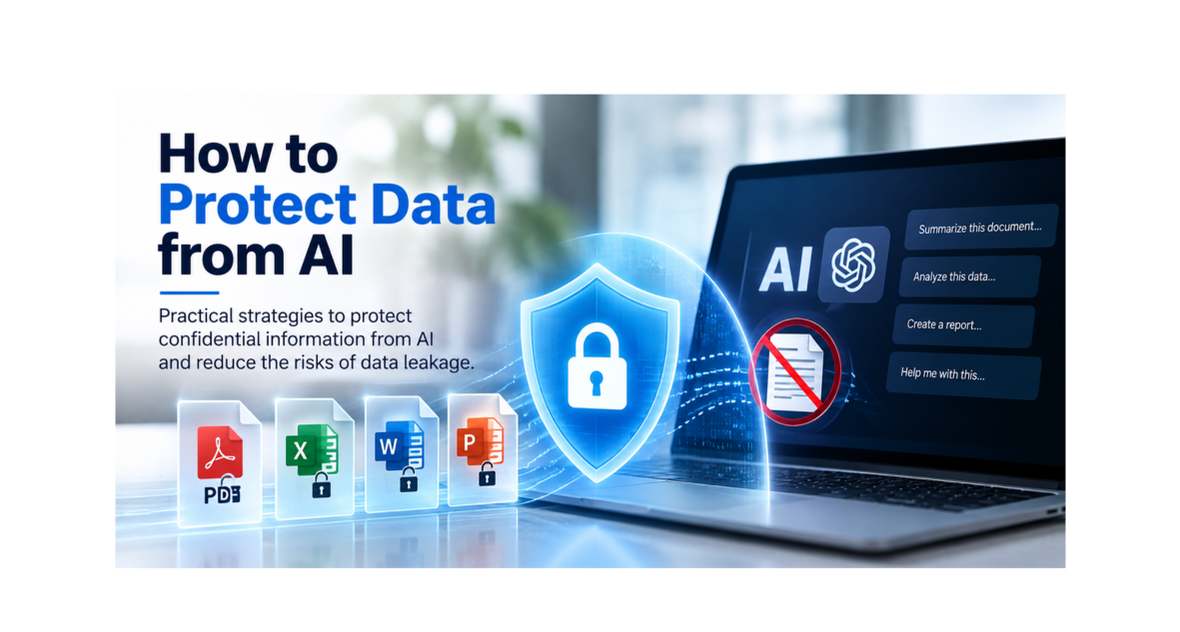
As employees use generative AI to summarize reports, analyze spreadsheets, and create plans and strategies, confidential business information can move into tools outside an organization’s direct control. The challenge is not simply whether AI is useful—it is how to protect data from AI services and unauthorized use while still allowing employees to work productively.
The Data Security and Privacy Risks of AI
In terms of personal information, financial information, business plans, intellectual property, and other sensitive documents, two risks deserve particular attention.
1. Data Exposure, Memorization, and Leakage
When confidential information is entered into an AI service, its handling depends on the provider, product settings, and contractual protections. In some circumstances, sensitive inputs may be retained or used in ways an organization did not intend, which may result in confidential information and intellectual property being leaked or used to train models. Model memorization and unintended disclosure are also concerns, especially when highly sensitive material is shared without appropriate controls.
Enterprise agreements and private AI deployments can reduce some risks. However, they are options only available to larger enterprises, and they do not address employees who use unapproved tools or personal AI accounts outside the company’s established controls.
2. Shadow AI and Unsanctioned Use
Shadow AI occurs when employees use AI services without organizational approval or oversight. For example, someone may upload a customer list, proprietary code, or an internal financial report into a personal AI chatbot to complete a legitimate work task more quickly. However, personal AI accounts do not have the contractual protections of enterprise agreements, nor the physical security of private AI models. As a result, confidential and sensitive information may be leaked unintentionally.
The employee may have no intention of disclosing confidential information. Even so, enforcing an AI-usage policy is difficult when staff can copy content from ordinary files into external tools and the organization has little visibility into that activity.
How to Protect Confidential Information from AI
An effective approach combines clear rules about AI use with technical protection for the documents themselves. Policies define what is permitted; file-level security helps make those policies enforceable.
Create a Clear AI-Usage Policy
Define which AI services are approved, which types of data may be used with them, and who can authorize exceptions. For sensitive corporate and third-party information, prohibit uploading or pasting content into unapproved or personal AI accounts. Make the rules understandable to employees, contractors, and partners—not just security specialists.
Enforce the Policy at the File Level
A written policy is necessary but cannot stop every accidental disclosure. Digital Rights Management (DRM), also called Information Rights Management (IRM) in many business settings, adds controls directly to supported documents. Encryption, user authentication, and permissions can restrict who opens a file and what an authorized recipient can do with it.
Depending on the document format and viewing environment, IRM/DRM can support view-only access, copy-and-paste restrictions, limits on printing, and measures that discourage screen capture. These controls reduce the ease of extracting confidential content for use with external AI tools, including personal accounts.
Understand the Limits of Technical Controls
No document-security tool can eliminate every route for information leakage. An authorized viewer might still retype sensitive text, photograph a screen, or disclose information verbally. Technical restrictions therefore work best alongside training, appropriate access permissions, and a clear AI-usage policy.
How SecureDrive Helps Protect Files from Unauthorized AI Use
689Cloud SecureDrive provides built-in IRM/DRM controls for confidential PDF, Word, Excel, and PowerPoint documents. Organizations can use it to store and share protected files while controlling access for authorized individuals.
Protected Viewing and Controlled Downloads
File owners can provide view-only access and apply restrictions designed to limit copying or reuse of confidential content. When protected downloads are permitted, encryption-based controls can keep the file protected rather than distributing an unrestricted copy. This makes it harder to submit the protected document itself to an unauthorized AI service.
Practical Security for Organizations of Different Sizes
SecureDrive is designed to make document protection accessible without a complex enterprise deployment. Its straightforward file-sharing workflow allows organizations to apply security controls to sensitive information and reduce reliance on employees remembering every restriction in an AI policy.
Protection depends on the file type, access permissions, and supported viewing environment. SecureDrive can strengthen the safeguards around confidential documents, but it should complement—not replace—an organization’s wider data-security practices.
Take the Next Step to Protect Data from AI
Start by identifying the files employees are most likely to share with AI: customer information, financial documents, internal reports, and valuable intellectual property. Establish approved AI-use rules, then apply document-level access and usage controls where those files are stored and shared.
The goal is not to stop productive AI use. It is to keep confidential information under organizational control throughout the document lifecycle.
Frequently Asked Questions
Can DRM prevent employees from uploading confidential files to AI?
DRM/IRM can make direct reuse of supported protected files more difficult by enforcing encryption and restrictions on access and copying. It does not guarantee that an authorized user can never disclose information through another method.
Is an AI-usage policy enough to prevent data leaks?
No. A policy establishes the rules, but employees can make mistakes or use unapproved tools. Technical file protection helps reinforce the policy and reduce accidental exposure.
What kinds of documents should be protected from unauthorized AI use?
Prioritize documents containing confidential customer data, financial information, trade secrets, proprietary research, or other sensitive business information. SecureDrive supports protection for PDF and Microsoft Office files.
Explore SecureDrive: Protect, share, and control confidential documents