Protect Your Files
Encryption-based IRM/DRM document protection helps prevent unauthorized access and redistribution.
- Secure online viewing
- Copy and print restrictions
- Watermarks and expiry dates
Share PDF, Word, Excel and PowerPoint files securely — and keep control of your protected documents even after sharing or downloading.
✓ No credit card required for Individual and Team trials
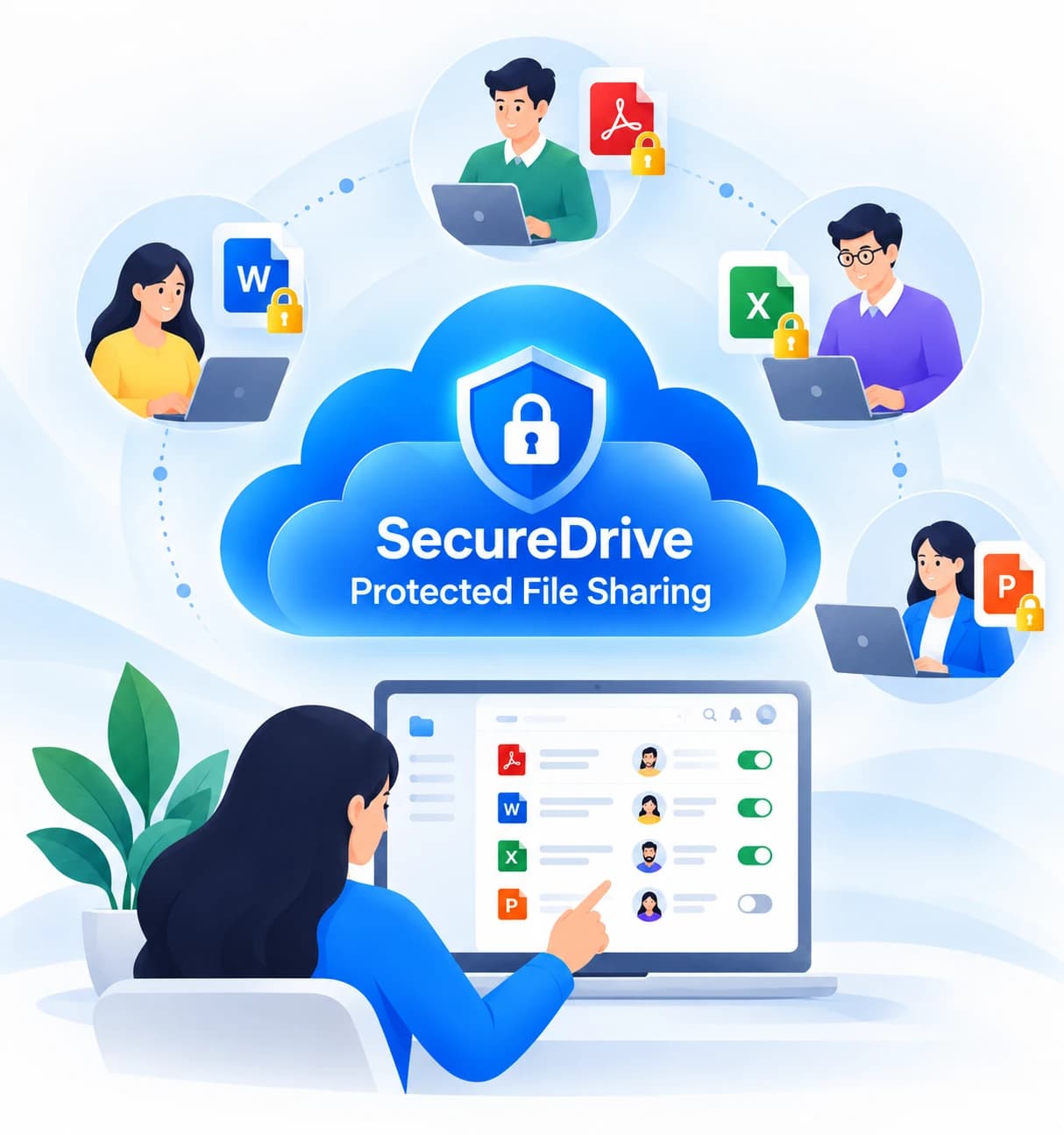
Ordinary file sharing stops at delivery. SecureDrive helps protect, track and control files before, during and after they are shared.
Encryption-based IRM/DRM document protection helps prevent unauthorized access and redistribution.
Know who uses your protected documents, with detailed access and activity tracking.
Manage who can see and use files, even after distribution.
Create a protected workspace, upload files and stay in control throughout the document lifecycle.
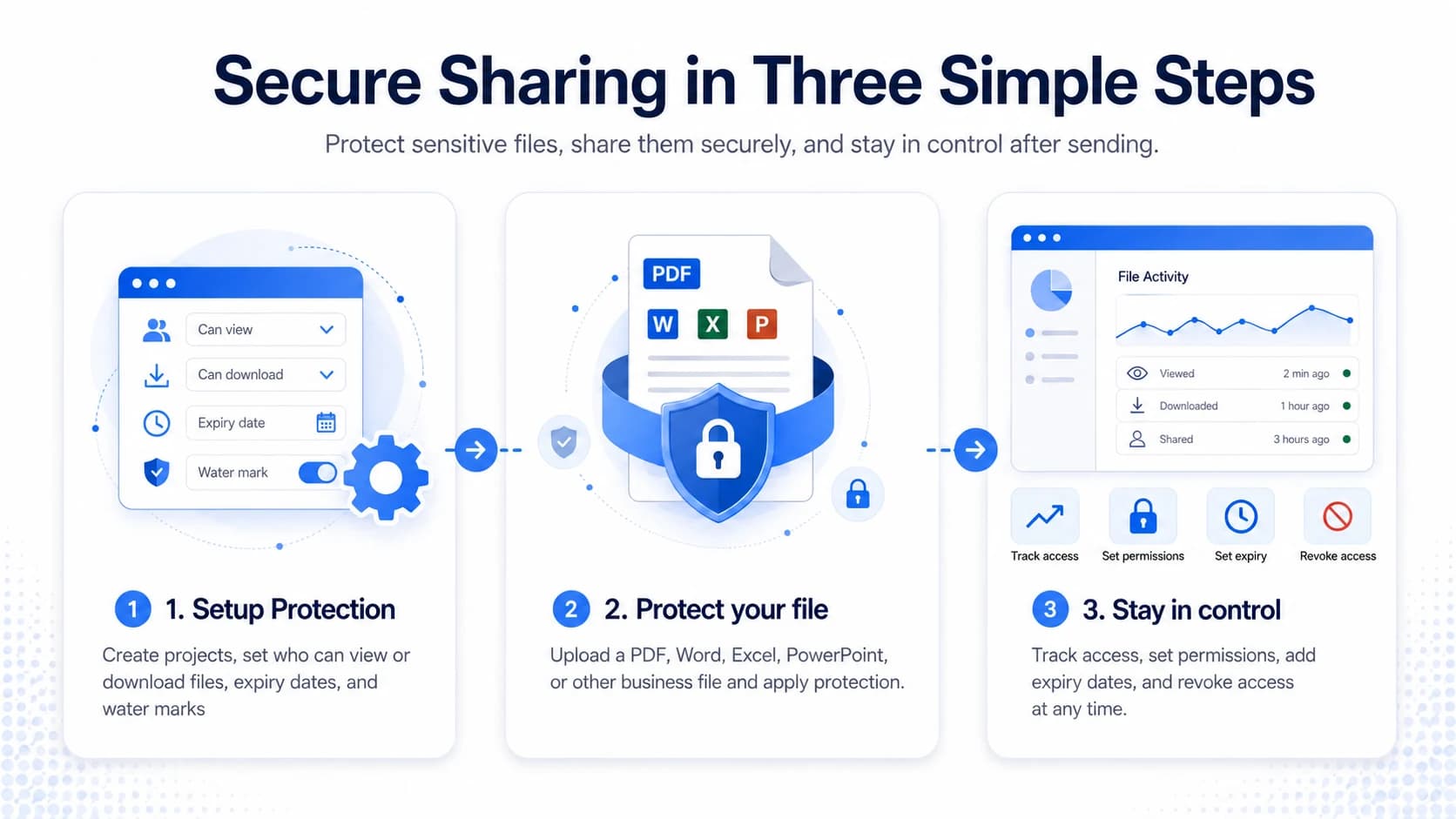
Traditional file sharing protects your cloud folder or the transfer. Once a file is downloaded, control can be limited.
SecureDrive protects supported files themselves with Information Rights Management (IRM) and Digital Rights Management (DRM), so rights can continue to apply after downloading.
SecureDrive combines an easy cloud workspace with document protection for everyday business collaboration.
Protect financial statements, business plans, board documents and strategy presentations.
Share contracts, proposals and project documents with controlled access for external collaborators.
Track and manage confidential documents during legal, accounting and advisory workflows.
Create protected workspaces for due diligence, investors, board reviews and restricted projects.
Try SecureDrive for 30 days without a credit card on Individual or Team plans. Keep using secure file sharing and IRM/DRM protection at accessible monthly pricing.
For professionals who need to protect confidential documents.
Billed annually · 1 user
Start Free Trial →For small teams protecting shared business documents.
Billed annually · Minimum 5 users
Start Free Trial →Pricing in USD. Business and Enterprise plans are also available. See all plans and current terms.
Information Rights Management (IRM) and Digital Rights Management (DRM) use encryption and access policies to protect files. They help control who can open documents and what authorized recipients can do with them, beyond basic storage and transfer encryption.
Yes. Supported protected files retain encryption-based access controls after download, and owners can revoke access remotely where supported by file type, viewing environment and security settings.
IRM/DRM document protection is available for PDF and Microsoft Word, Excel and PowerPoint files.
Yes. SecureDrive supports tracking online views, downloads and supported local protected-file openings.
SecureDrive offers secure view-only access, copy and printing restrictions, and watermark options. Available restrictions vary by file type and viewing environment.
Yes. You can revoke access to protected files, including supported downloaded documents, to stop further authorized opening.
SecureDrive uses a familiar cloud file and project workspace. Set up permissions, upload documents, invite collaborators and manage activity in one place.
Yes. Individual and Team plans offer a 30-day free trial with no credit card required. View trial details and pricing.
Secure file sharing, document protection, tracking and access control — all in one easy workspace.
Start Your 30-Day Free Trial →No credit card required for Individual and Team trials · Request a demo