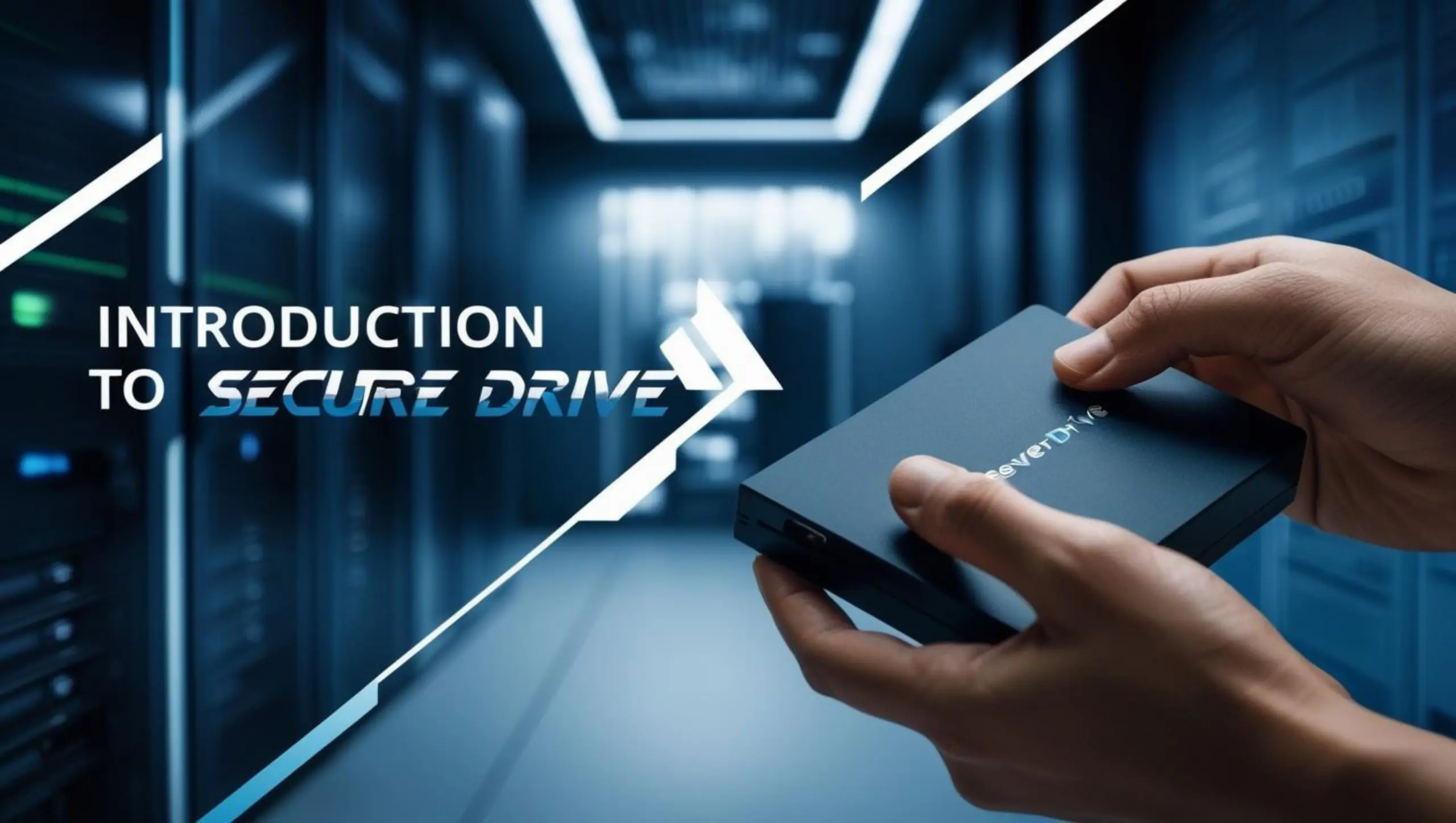
SecureDrive by 689Cloud is a cloud-based collaboration platform designed for enterprise CIOs and CISOs who need to share confidential files securely. It combines advanced encryption with built-in Digital Rights Management (DRM) (also known as Information Rights Management, IRM) to protect documents at rest and in transit. Work is organized into Projects – each containing folders and files accessible only by designated team members – which simplifies project organization and aligns with enterprise workflows. Trusted by organizations worldwide, “customers around the world trust us to protect their most sensitive documents” with SecureDrive.
SecureDrive delivers enterprise-grade security without sacrificing usability. It offers a familiar interface and modern collaboration tools so teams can work productively, while providing IT leaders with strict control over information. Key benefits of SecureDrive include:
-
Anywhere, Anytime Access: Your team can securely access files from any device or location. Whether in the office, at home, or on the road, employees have reliable, authenticated access to needed documents.
-
Enterprise-Grade Security & DRM: Built-in IRM/DRM ensures that only authorized users can open or download each file. All data is encrypted end-to-end, and content owners can block copy/paste or screen capture on sensitive documents. For example, SecureDrive protects PDFs and Microsoft Office files with controls that prevent unauthorized sharing and preserve confidentiality.
-
Complete Document Control: Administrators and file owners can revoke access to a file at any time – even after it has been downloaded. You can set automatic expiry dates on files so they become inaccessible after a certain period, and disable printing (even to PDF) on critical documents. Dynamic watermarks (showing viewer’s email and timestamp) discourage unauthorized screenshots. These DRM controls stay with the file indefinitely, giving IT teams confidence that files remain secure beyond basic sharing.
-
Full Activity Tracking: Every file interaction is logged, from online viewing and downloads to offline opens. Audit trails let security teams see who accessed which document and when, providing complete visibility for compliance and oversight. This tracking ensures that CIOs and CISOs can monitor usage of all sensitive files in real time.
-
Intuitive Collaboration: SecureDrive uses a familiar File Explorer-style interface so users can adopt it quickly. Teams can comment on files, tag items with labels, and use built-in group chat to stay in sync. You can organize users into projects with multiple roles and permission levels (up to 4 roles and 7 levels of access per project), making it easy to manage who can view, edit, or share content. As a result, teams collaborate seamlessly on documents, while keeping sensitive information under IT’s control.
Together, these benefits let enterprises enjoy secure cloud collaboration and peace of mind knowing their critical data is protected at every step.
Core Features
Project-Based Collaboration: SecureDrive lets organizations structure work into dedicated projects. Each project can contain multiple folders and files that are visible only to its members. You can upload files directly from local drives or even import from other cloud storage providers (such as Box or Dropbox). Within a project, team members have clearly defined roles, and administrators can grant permissions at a granular level. This organization streamlines teamwork, ensuring that the right people have access to the right content. Built-in chat, file commenting, and labeling further enhance collaboration, keeping discussions tied directly to documents.
Advanced DRM Controls: SecureDrive is unique in offering integrated DRM (Digital Rights Management) for cloud file sharing. You can protect PDFs, Word documents (DOCX), PowerPoint presentations (PPTX), Excel sheets (XLSX), and image files (PNG, JPG, JPEG) so that only authorized users can open or view them. For protected files, SecureDrive provides:
-
Copy Protection: Office documents are encrypted and require cloud authentication, preventing unauthorized re-sharing. Copy/paste functions and screen-capture tools are disabled during viewing.
-
Secure Online Viewer: Files can be set to view-only in the browser, so data is never downloaded to a local cache. Developer tools and downloads are blocked, ensuring sensitive content stays on the server.
-
Printing Control: You can disable all printing (including virtual “print to PDF”) even if you allow physical prints.
-
Watermarks & Expiry: Dynamic watermarks overlay the user’s email and timestamp on protected documents to discourage photos or screenshots. You can also assign expiration dates to files so they automatically become inaccessible after a set period
-
Remote Revocation: At any time, document owners or admins can revoke access to a file, instantly blocking previously allowed users from opening or downloading it.
These DRM features give IT leaders confidence that sensitive documents remain under control even after they leave the network, which sets SecureDrive apart from standard file-sharing tools.
Secure Access & Monitoring: SecureDrive secures every user login and file access to prevent unauthorized breaches. You can require two-factor authentication (2FA) or enterprise single sign-on for all users. Once logged in, every action is logged: the system tracks views, downloads, and even local opens of shared files. This comprehensive logging gives security teams full audit trails. In addition, admins receive alerts and reports on document activity, so any unusual behavior (such as repeated access by an unknown user) can be investigated immediately.
Flexible Deployment Options: 689Cloud SecureDrive adapts to your IT environment. It is available as a cloud-hosted SaaS solution for fast deployment, offering enterprise-level security with minimal setup. For organizations with stricter infrastructure requirements, SecureDrive can be deployed on your private cloud or on-premises. Our open REST APIs allow you to integrate SecureDrive’s content security into existing applications and workflows. Custom integrations or white-label apps can also be developed to fit complex enterprise needs.
Ideal Use Cases for CIOs and CISOs
SecureDrive’s combination of collaboration tools and DRM makes it valuable in many scenarios:
-
Virtual Deal Rooms: When preparing for mergers, acquisitions, or audits, SecureDrive can create a virtual data room. Sensitive financial reports and contracts can be shared with bidders or auditors in a controlled environment, where files are view-only with revocation enabled. Detailed tracking ensures you know exactly who accessed each document and when.
-
Legal and Professional Services: Law firms and consultancies can protect client contracts, case files, and intellectual property. By applying DRM controls and watermarks, legal teams ensure documents can’t be copied or printed without permission. All client interactions with documents are logged for compliance reviews.
-
Research & Development: Engineering and R&D teams often collaborate on proprietary designs, product blueprints, and source code. SecureDrive lets them securely share these files with partners or overseas teams while preventing unauthorized distribution. Expiration dates and revocation mean that once a project is complete, access can be automatically withdrawn.
-
Regulated Data Sharing: Enterprises handling sensitive data (e.g. healthcare or financial records) can use SecureDrive to share information among authorized personnel. Every access is tracked and encrypted, helping fulfill auditing requirements. Watermarking and print restrictions add layers of confidentiality.
-
Cross-Organizational Collaboration: Marketing departments, HR, or product teams often need to send proposals and data to external vendors or customers. With SecureDrive, these groups can share documents confidently, knowing that DRM settings will prevent unauthorized forwarding or leaks.
In each case, CIOs and CISOs benefit from knowing that sensitive content is protected by strong encryption and DRM, while end users benefit from a user-friendly system that supports their daily workflow.
Get Started with 689Cloud SecureDrive
To explore how SecureDrive can safeguard your organization’s content, visit the 689Cloud website or request a personalized demo.
Contact our sales team to learn more about deployment options and pricing. Experience the confidence of secure, rights-managed file sharing – request a demo of 689Cloud SecureDrive today and see enterprise-class collaboration in action.